

Reset your password
When you cannot remember your password, StrikeUp emails you a link to choose a new one. Two pages do the work: Forgot Password at /auth/forgot-password, where you ask for the email, and Reset Password at /auth/reset-password, which the link in the email opens. You reach the first from Forgot password? on the sign-in page. Nobody at your company, not even an administrator, can see or set your password for you, so this is the way back in.
What you can do here
Section titled “What you can do here”- Ask for a reset link. Enter your account’s email address and StrikeUp sends a link that works for one hour. Request a reset link.
- Choose a new password. The link opens a form for the new password; after saving it you sign in with it straight away. Choose a new password.
- Unlock a locked account. A successful reset also lifts a sign-in lock after too many wrong passwords. Choose a new password · Log in.
- Recover from a link that does not work. An incomplete, used, replaced or expired link is refused, and you ask for a new one. When the reset link is refused.
The screen at a glance
Section titled “The screen at a glance”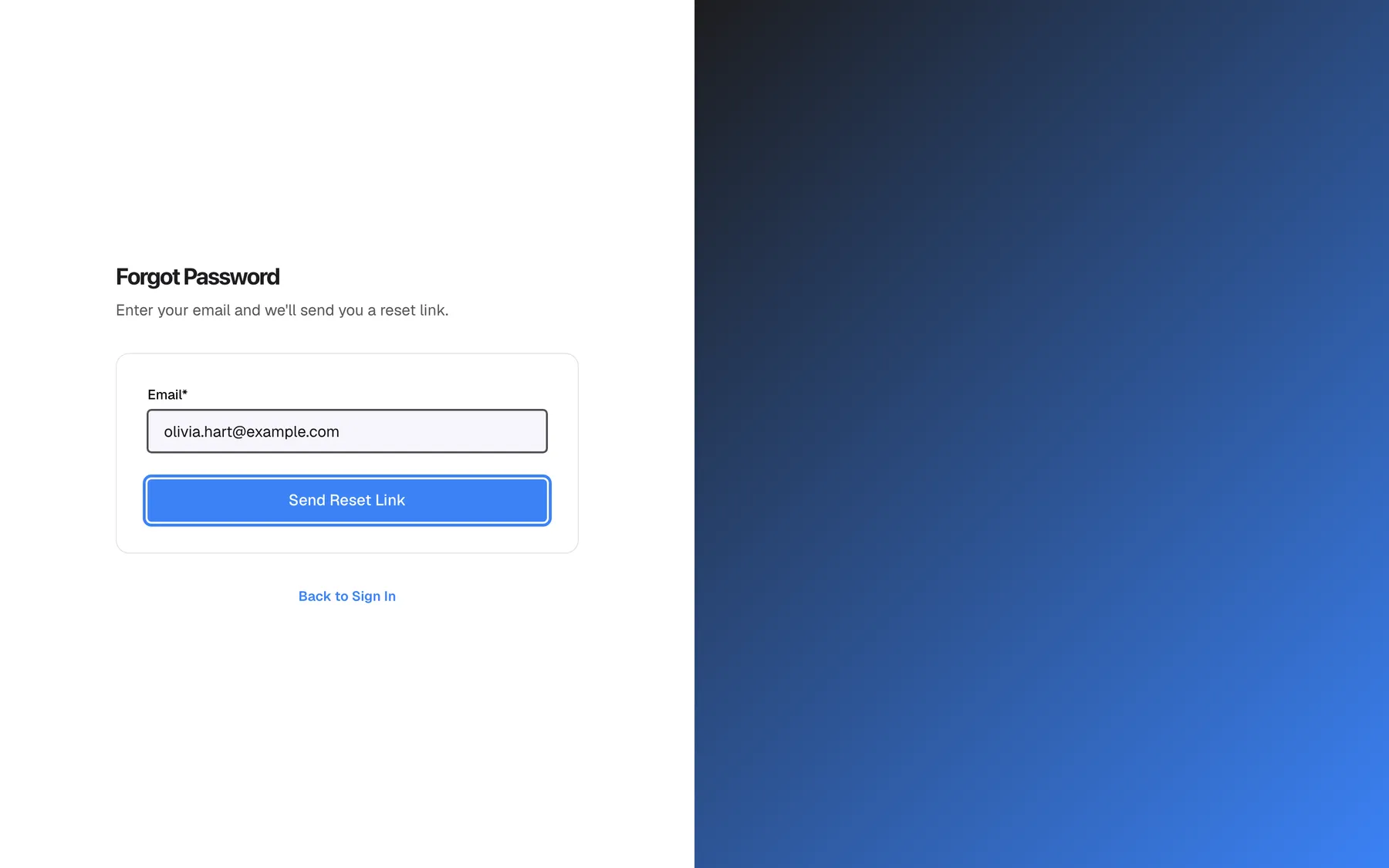
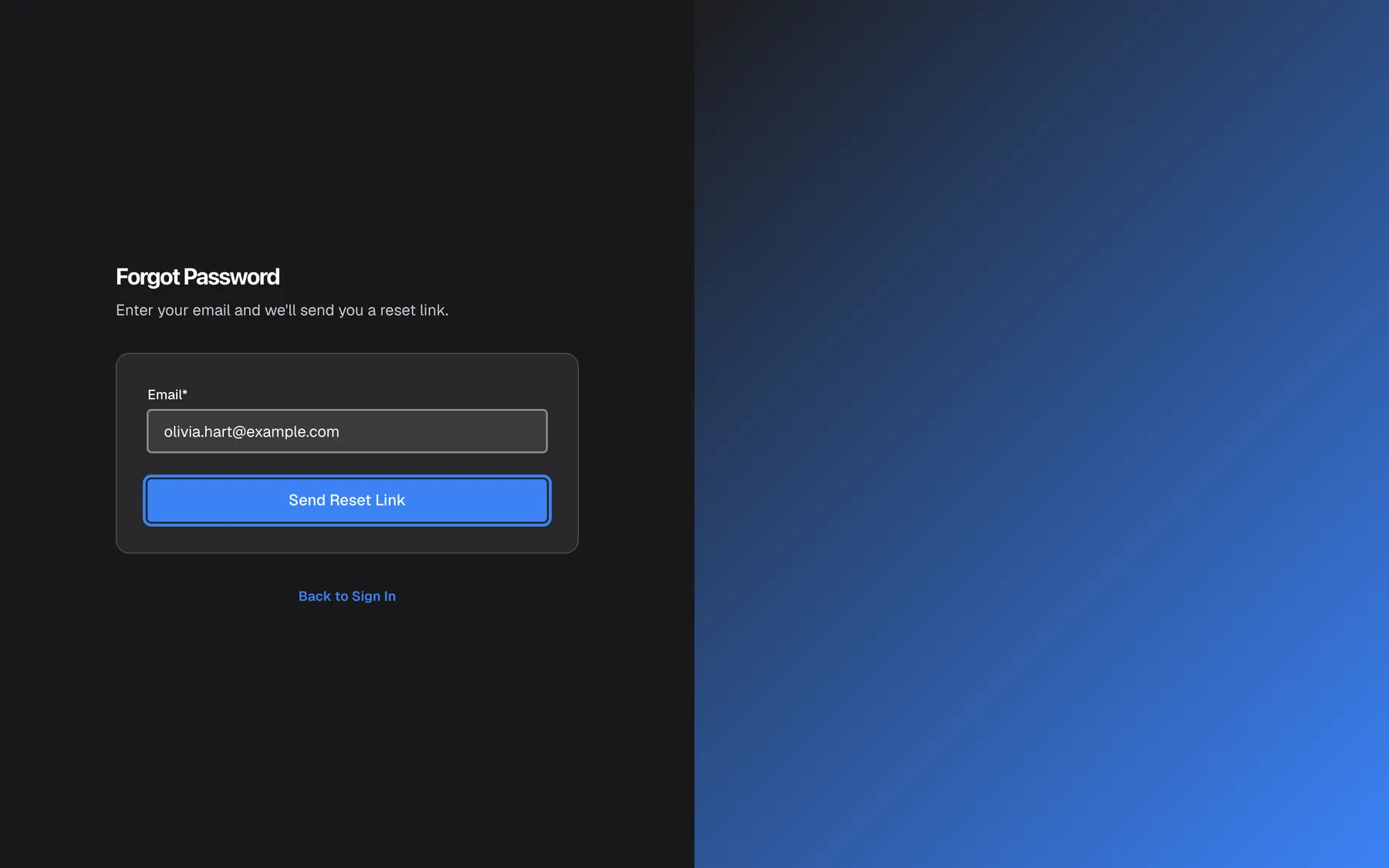
What this screenshot shows
- Screen
- Forgot Password (/auth/forgot-password)
- Highlighted
- button “Send Reset Link”, forgot-password-card-bottom, enabled. requests a reset email (POST /api/auth/forgot-password)
- Also visible
- Email*: olivia.hart@example.com; Back to Sign In link; German UI shows English: translations missing
- Purpose
- request a password reset link
| Region | What it shows | What you do there |
|---|---|---|
| Heading, top left | The StrikeUp logo, the heading Forgot Password or Reset Password and a one-line instruction | Confirm which of the two steps you are on |
| The card on Forgot Password | Email* and Send Reset Link; after sending, a green confirmation instead | Ask for the reset email |
| The card on Reset Password | New Password*, Confirm Password* and Reset Password | Choose and save the new password |
| Below the card | Back to Sign In | Leave without changing anything |
Both pages are in English in every interface language, because their German texts are missing in the product. The page has no language switch.
Request a reset link
Section titled “Request a reset link”-
On the sign-in page, select Forgot password?.
-
Type the email address of your StrikeUp account in Email*. Capital letters do not matter.
-
Select Send Reset Link. The button reads Sending... for a moment.
The form is replaced by a green box that reads If an account with that email exists, a reset link has been sent. Check your inbox.
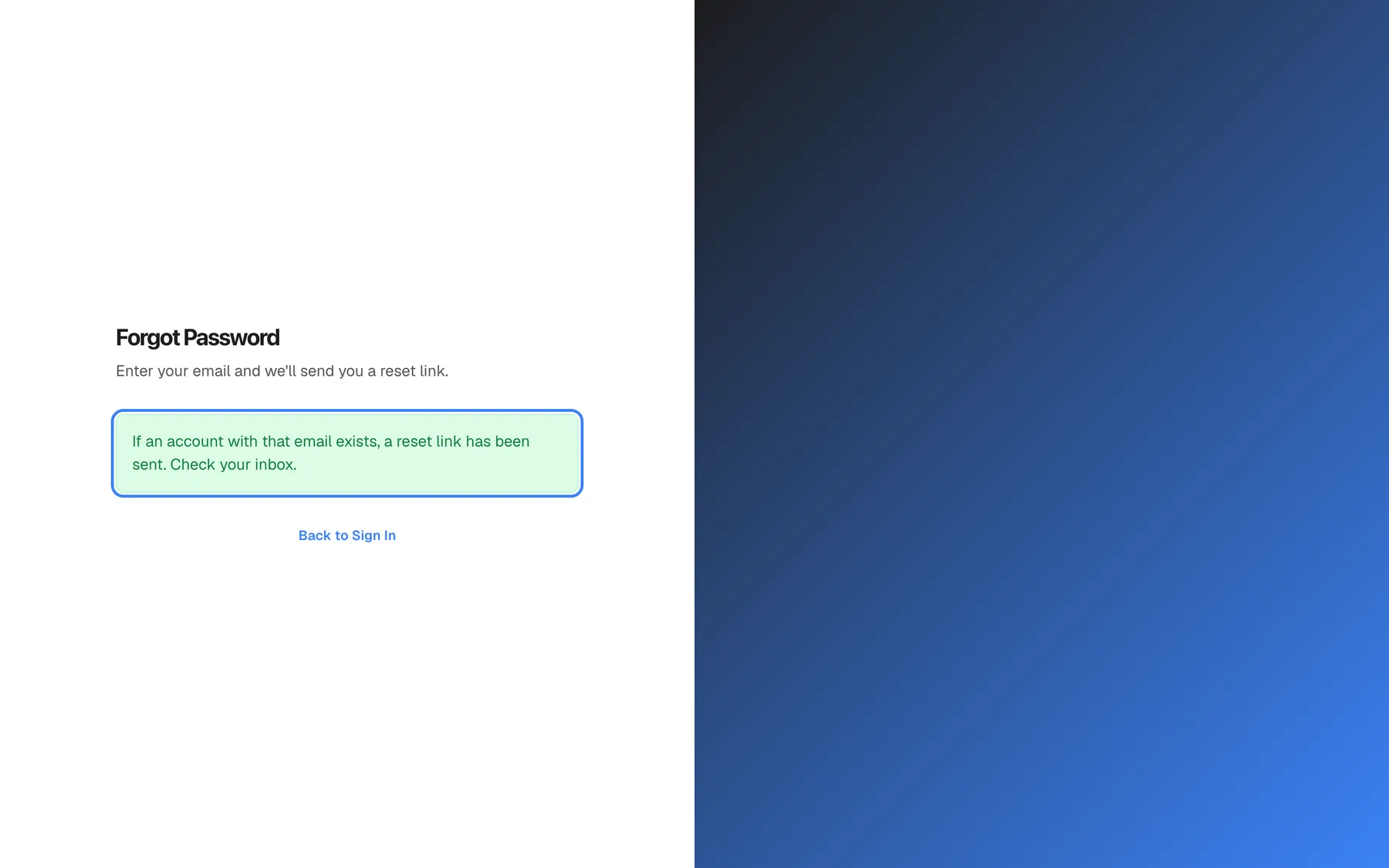
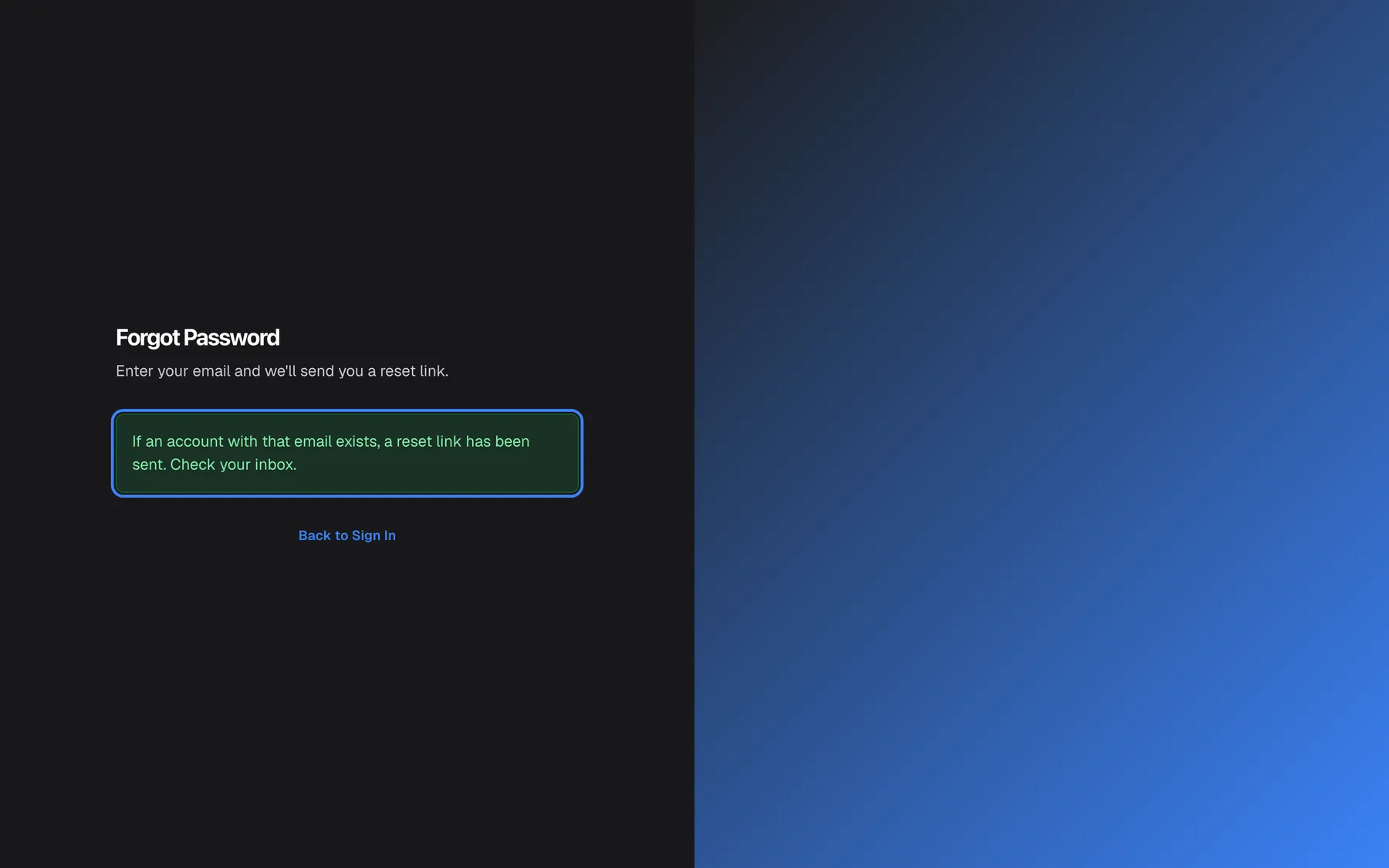
What this screenshot shows
- Screen
- Forgot Password (/auth/forgot-password)
- Highlighted
- status-message “If an account with that email exists, a reset link has been sent. Check your inbox.”, below-subtitle, visible. none
- Also visible
- Form replaced by the confirmation; Back to Sign In link
- Purpose
- result of requesting a reset link
This message is the same for every address, whether or not it belongs to an account, so the page never reveals who uses StrikeUp. An email is sent only when the address matches an account; capitals are ignored. If you asked for a link before and did not use it, that older link stops working now: only the newest link works.
If something goes wrong on the way, the form stays and shows Failed to send reset link. Please try again.. Requests are rate-limited per network address, together with sign-in, so many attempts in a short time are refused for a minute.
Choose a new password
Section titled “Choose a new password”-
Open the reset email and select its link within one hour. It opens Reset Password. If you are signed in to StrikeUp in this browser, you land on the Dashboard instead; sign out first and open the link again.
-
Type the new password in New Password* and again in Confirm Password*. It needs 8 to 128 characters; the hint in the field says 6, but StrikeUp refuses anything shorter than 8.
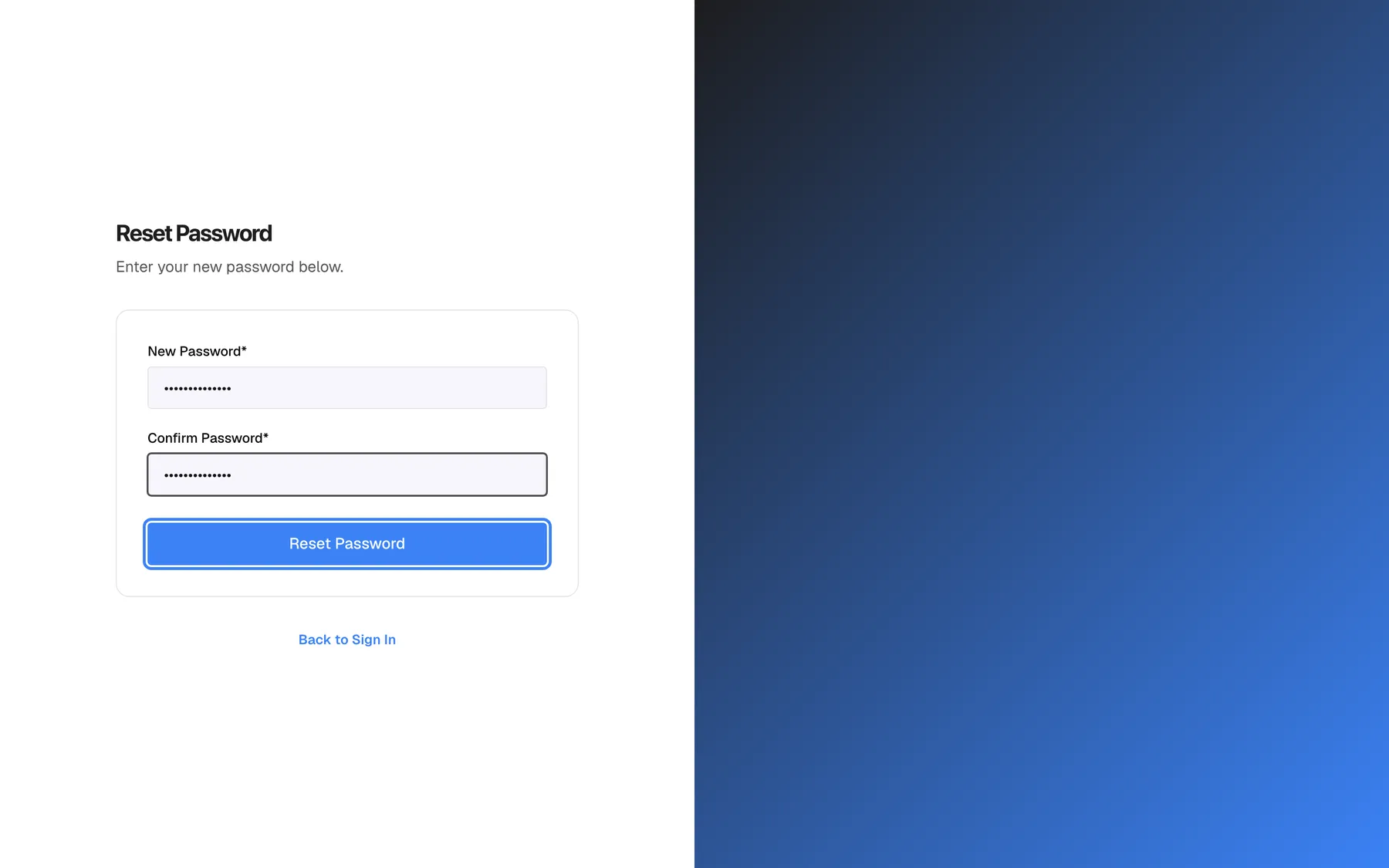
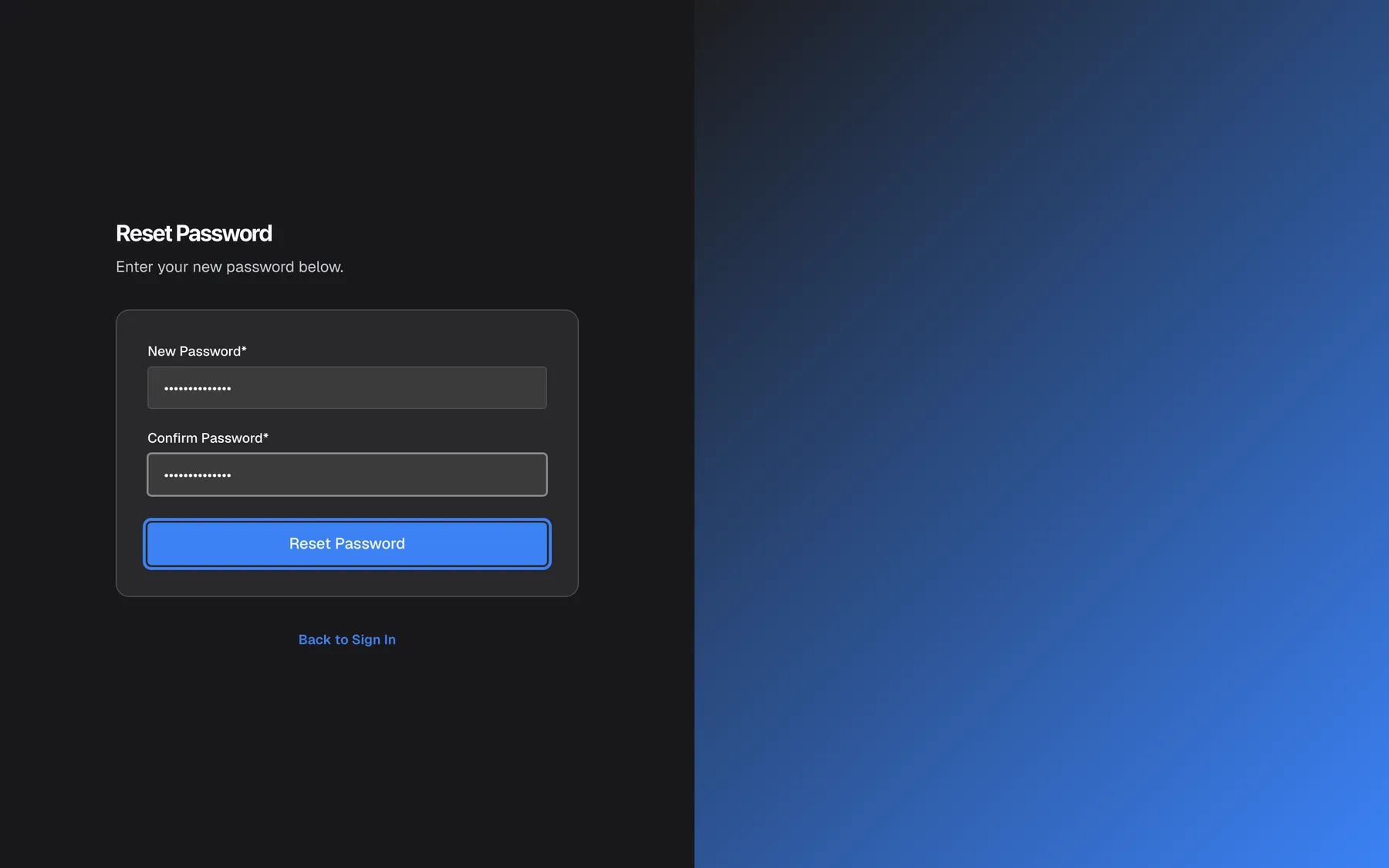
Type the new password twice (at least 8 characters) and select Reset Password. What this screenshot shows
- Screen
- Reset Password (/auth/reset-password?token=…)
- Highlighted
- button “Reset Password”, reset-password-card-bottom, enabled. saves the new password (POST /api/auth/reset-password) and opens the sign-in page
- Also visible
- New Password* and Confirm Password* filled (masked); Back to Sign In link
- Purpose
- choose a new password from the emailed link
-
Select Reset Password. The button reads Resetting... while StrikeUp saves the password.
StrikeUp saves the new password, uses up the link and opens the sign-in page with a green banner: Password reset successfully. You can now sign in.
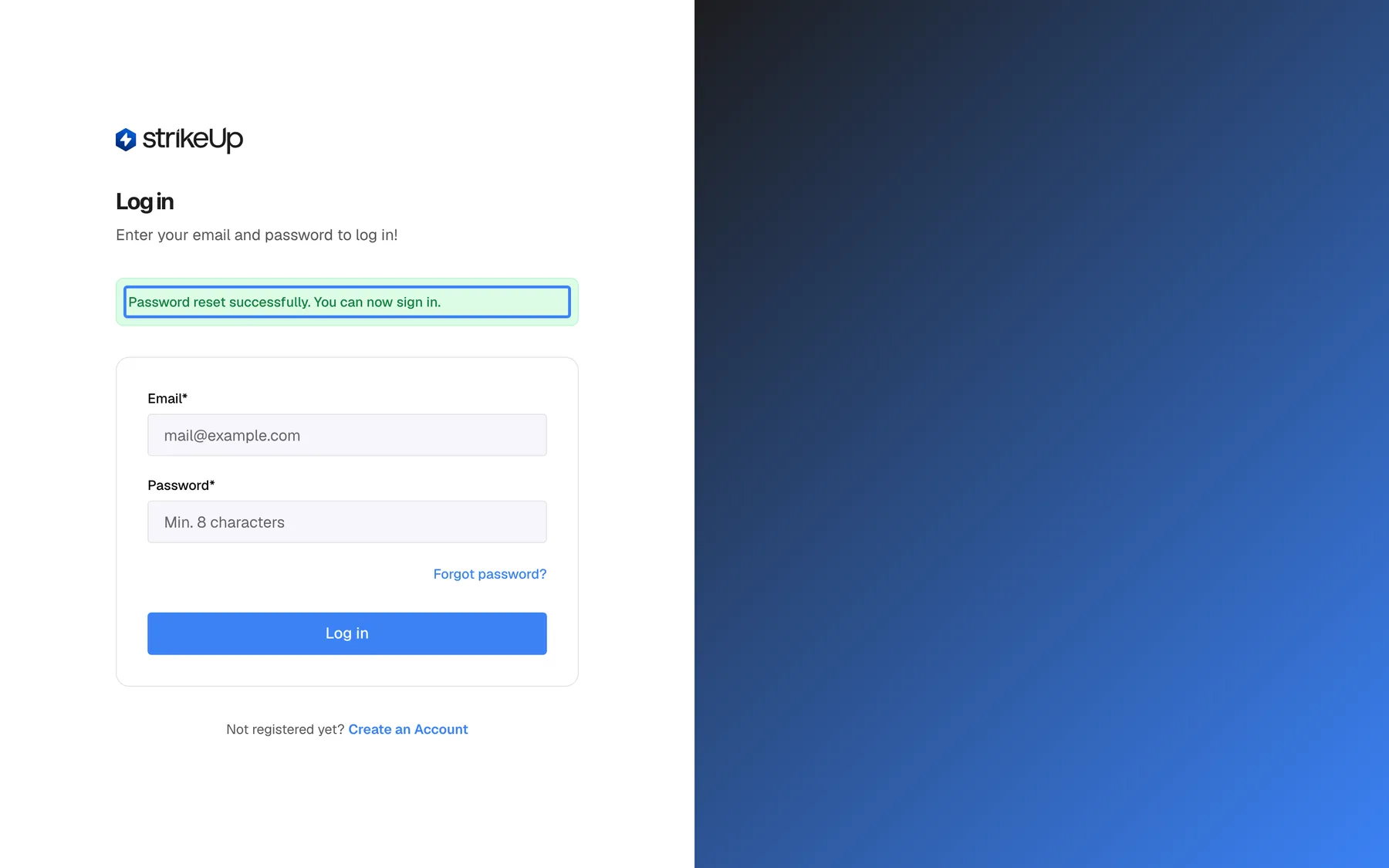
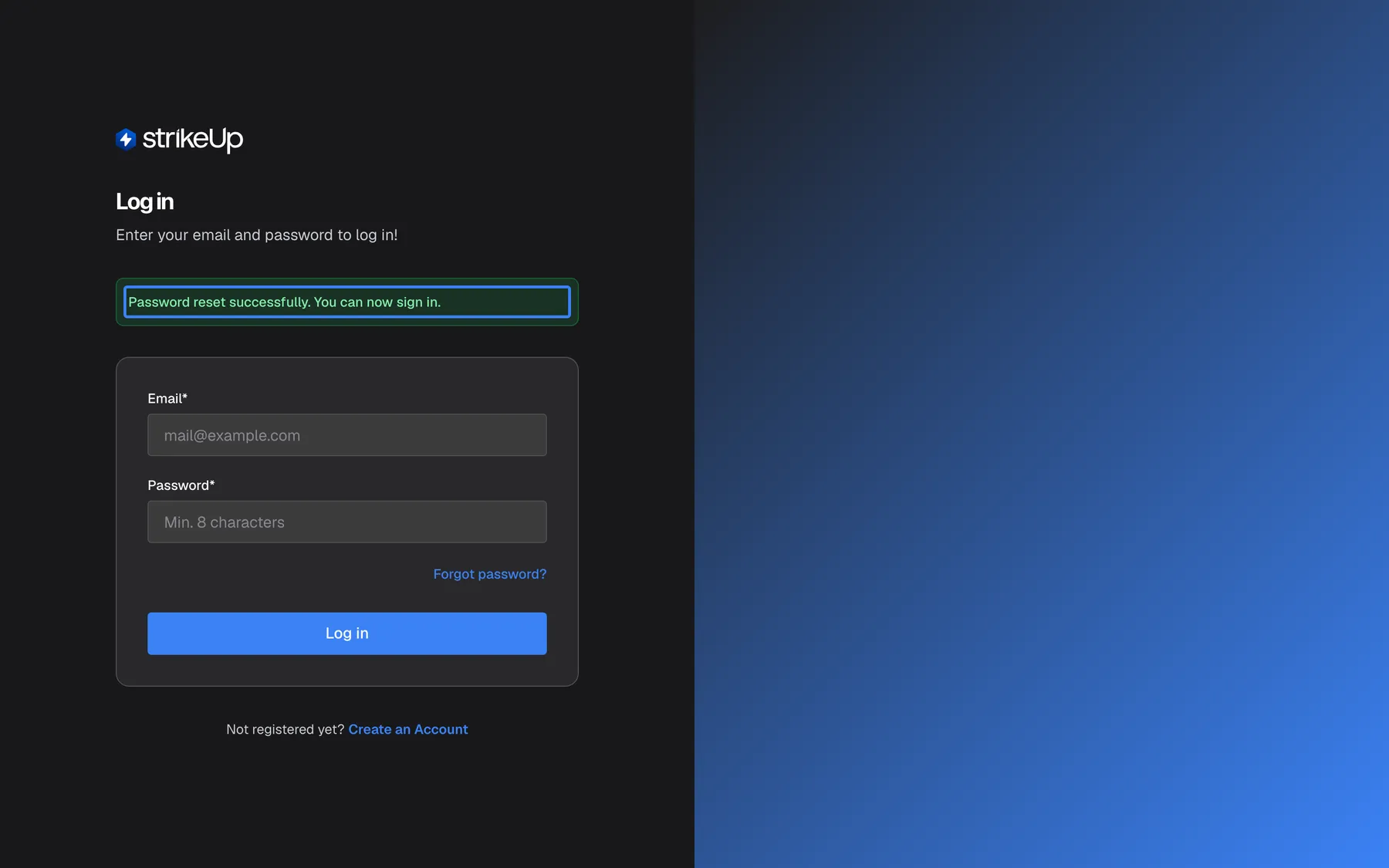
What this screenshot shows
- Screen
- Log in (/auth/sign-in)
- Highlighted
- status-banner “Password reset successfully. You can now sign in.”, above-sign-in-card, visible. none
- Also visible
- Empty Email* and Password* fields; Log in button
- Purpose
- result of a successful password reset
Sign in with your email address and the new password. What the reset changes, and what it does not:
| After a reset | |
|---|---|
| Your password | Replaced. The old one no longer works. |
| A sign-in lock after wrong passwords | Lifted, and the count of wrong passwords is back to zero. |
| Two-factor authentication | Unchanged. You still enter a code after the password. |
| Other browsers and devices where you are signed in | Still signed in. A reset does not end them. |
| The reset link | Spent. It cannot be used again. |
Example: Olivia Hart is locked out after five wrong passwords. She selects Forgot password?, enters olivia.hart@example.com, opens the email ten minutes later, chooses a new password and signs in at once, without waiting for the lock to expire.
When the reset link is refused
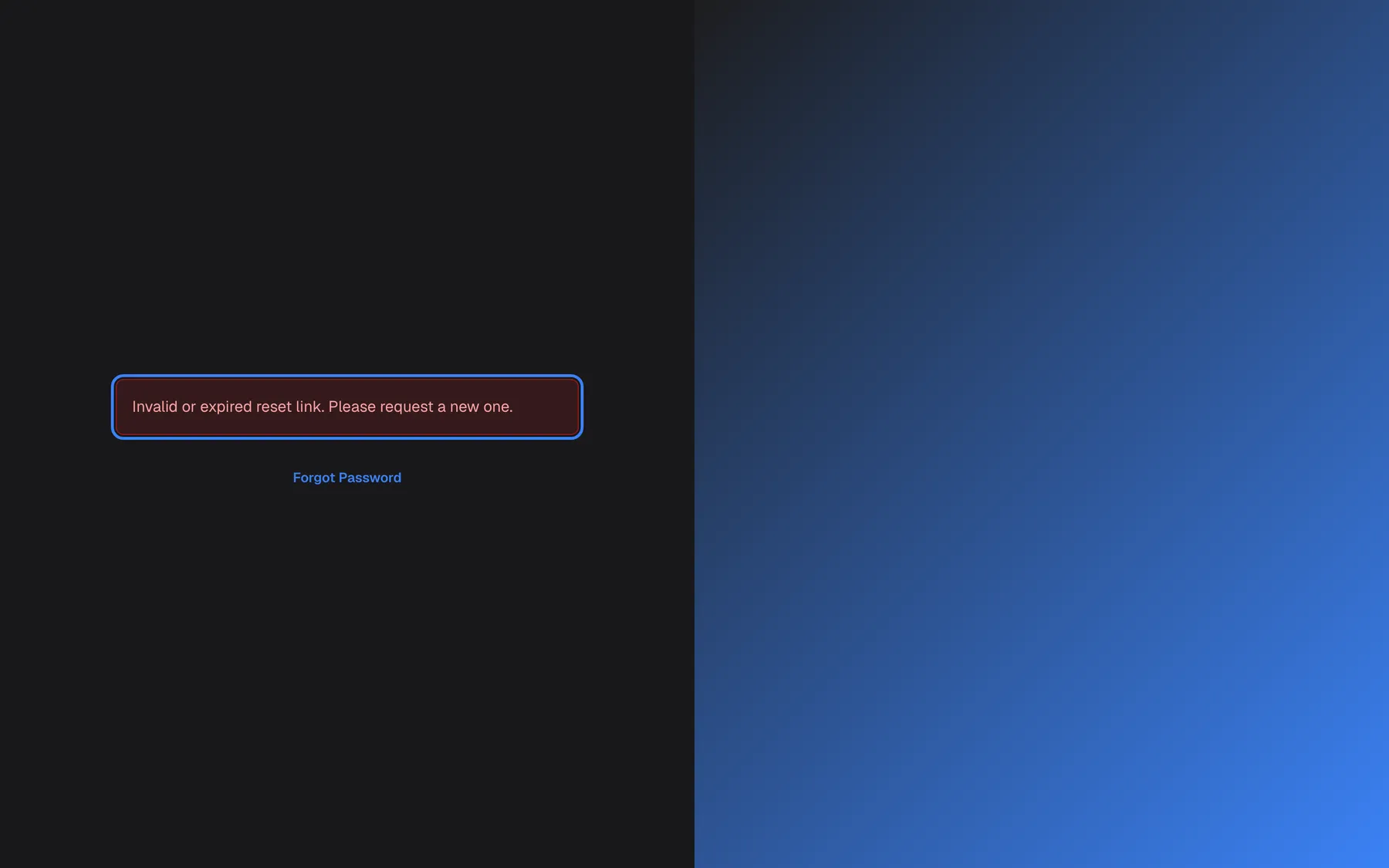
Section titled “When the reset link is refused”A link that lost its reset code, for example because the email program cut it off, shows no form at all:
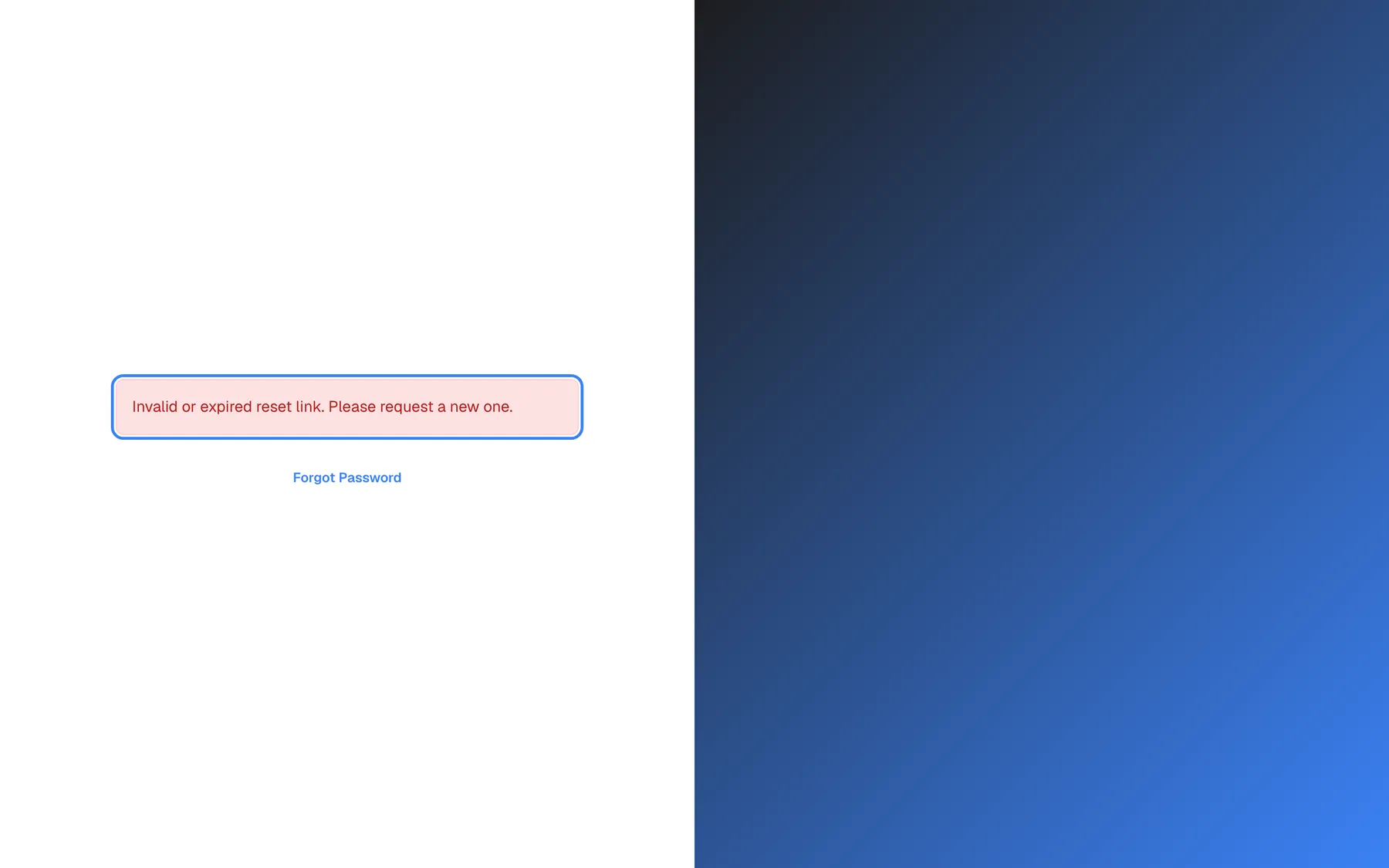
What this screenshot shows
- Screen
- Reset Password (/auth/reset-password)
- Highlighted
- message “Invalid or expired reset link. Please request a new one.”, page-centre, visible. none
- Also visible
- Forgot Password link; No password fields
- Purpose
- error state when the token query parameter is missing
It shows Invalid or expired reset link. Please request a new one. and a link to Forgot Password, where you ask for a new email. A link that is complete but older than one hour, already used, or replaced by a newer request still shows the form; it fails only when you select Reset Password, with Failed to reset password. The link may be invalid or expired.. Ask for a new link in both cases.
Every control, explained
Section titled “Every control, explained”The controls of both pages, in the order you use them.
Forgot Password, the only field: Email*, with the example mail@example.com.
The address the reset link goes to. StrikeUp sends a link only if it matches an account, ignoring capitals, and shows the same confirmation either way.
The identical confirmation stops anyone from using this page to find out which addresses have a StrikeUp account.
Send Reset Link
Section titled “Send Reset Link”The full-width blue button on Forgot Password, Send Reset Link. It reads Sending... while working.
Asks StrikeUp to email a reset link valid for one hour. Any earlier unused link for the same account stops working. On success the form is replaced by If an account with that email exists, a reset link has been sent. Check your inbox.; on failure the form shows Failed to send reset link. Please try again..
Keeping only the newest link valid means a link in an old or forwarded email cannot be used later.
New Password and Confirm Password
Section titled “New Password and Confirm Password”Reset Password, the two fields New Password* (hint Min. 6 characters) and Confirm Password* (hint Confirm new password).
Your new password, twice. The page checks that both match (Fields must match) and that the password has at least 8 characters (“Must be at least 8 characters”); StrikeUp also refuses more than 128. The hint mentions 6 characters, but 8 is the rule. There is no strength meter here, and unlike sign-up the page does not ask for upper-case letters, digits or special characters.
Typing the password twice catches typing mistakes in a field you cannot read.
Reset Password button
Section titled “Reset Password button”The full-width blue button on Reset Password, Reset Password. It reads Resetting... while working.
Saves the new password if the link is complete, unused, the newest one and less than one hour old, then opens the sign-in page with Password reset successfully. You can now sign in.. Otherwise it shows Failed to reset password. The link may be invalid or expired..
The one-hour, single-use link limits how long a stolen reset email stays useful.
Back to Sign In
Section titled “Back to Sign In”Below the card on both pages: Back to Sign In.
Returns to the sign-in page without sending or changing anything.
If you remember your password after all, you do not need a reset.
What you need to know
Section titled “What you need to know”| Topic | Fact |
|---|---|
| Link validity | One hour, single use. |
| Several requests | Only the newest link works; each new request cancels the earlier unused ones. |
| Unknown or mistyped address | The same confirmation appears, but no email is sent. |
| Email capitals | Do not matter. The rest of the address must match your account. |
| Password rule | 8 to 128 characters. The field’s hint says 6, but 8 applies. |
| Lockout | A successful reset lifts a sign-in lock. |
| Two-factor authentication | Unaffected by a reset. |
| Other sessions | Signed out within an hour at the latest after a reset. |
| Language | Both pages are shown in English in every interface language. |
| Signed in already | Both pages send a signed-in browser to the Dashboard. |
Frequently asked questions
Section titled “Frequently asked questions”The reset email
Section titled “The reset email”How long is the password reset link valid?
Section titled “How long is the password reset link valid?”One hour from the moment you selected Send Reset Link, and it works only once. After an hour, or after you have used it, the page shows Failed to reset password. The link may be invalid or expired. when you submit, and you ask for a new link from Forgot password? on the sign-in page.
I asked for a reset link twice. Which one works?
Section titled “I asked for a reset link twice. Which one works?”Only the newest. Each request cancels every earlier link that has not been used yet, so a link from the first email fails with Failed to reset password. The link may be invalid or expired.. Open the most recent reset email and use its link within one hour.
I did not receive the reset email. What should I check?
Section titled “I did not receive the reset email. What should I check?”First, check the spam folder. Then check the address: StrikeUp sends the email only if the address matches your account (capitals are ignored), but shows the same confirmation for every address. Request a new link from Forgot password? with the address spelled as registered. If it still does not arrive, ask an administrator of your company which address your account uses.
Why does the page say a link has been sent even for an address that has no account?
Section titled “Why does the page say a link has been sent even for an address that has no account?”The confirmation If an account with that email exists, a reset link has been sent. Check your inbox. is deliberately identical for every address, so nobody can use the page to find out who has a StrikeUp account. An email is only sent when the address belongs to an account.
The new password
Section titled “The new password”What are the rules for the new password?
Section titled “What are the rules for the new password?”The new password needs 8 to 128 characters. The field’s hint says Min. 6 characters, but StrikeUp refuses anything shorter than 8, with “Must be at least 8 characters”. The reset page does not require upper-case letters, digits or special characters, but a longer password mixing them is safer.
Does resetting my password sign me out on my other devices?
Section titled “Does resetting my password sign me out on my other devices?”Yes. After a reset, browsers and devices where you were already signed in can no longer renew their session, so they are signed out within an hour at the latest. Sign in again there with the new password.
Does a password reset switch off two-factor authentication?
Section titled “Does a password reset switch off two-factor authentication?”No. Two-factor authentication stays on, and you still enter a code from your authenticator app after the new password. If you have lost your authenticator, a password reset does not help; contact StrikeUp support.
Can a password reset unlock my account after too many wrong passwords?
Section titled “Can a password reset unlock my account after too many wrong passwords?”Yes. A successful reset lifts the sign-in lock and sets the count of wrong passwords back to zero, so you can sign in with the new password straight away instead of waiting for the lock to end.
How do I change my password when I still know it?
Section titled “How do I change my password when I still know it?”Sign in and change it on SettingsProfile. That needs your current password but no email. The reset by email is meant for when you cannot remember the current one.
Troubleshooting
Section titled “Troubleshooting”| Symptom | What to check |
|---|---|
| No reset email arrives | Spam folder; the address spelled as registered (capitals do not matter); then request again. Only the newest link works. |
| Failed to reset password. The link may be invalid or expired. | The link is older than one hour, already used, or replaced by a newer request. Ask for a new link. |
| Invalid or expired reset link. Please request a new one. with no form | The link was cut off. Open the full link from the email, or ask for a new one. |
| “Must be at least 8 characters” | The new password is too short; the hint says 6, but 8 is required. |
| Fields must match | The two fields differ. Retype both. |
| Failed to send reset link. Please try again. | The request did not go through, often because of too many requests from your network address. Wait a minute and try once. |
| The link opens the Dashboard | You are signed in in this browser. Sign out, then open the link again. |
| Signed in with the new password but asked for a code | Expected: two-factor authentication is not affected by a reset. Type the current code from your authenticator app. |