

A stolen password is no longer enough to get into your workspace
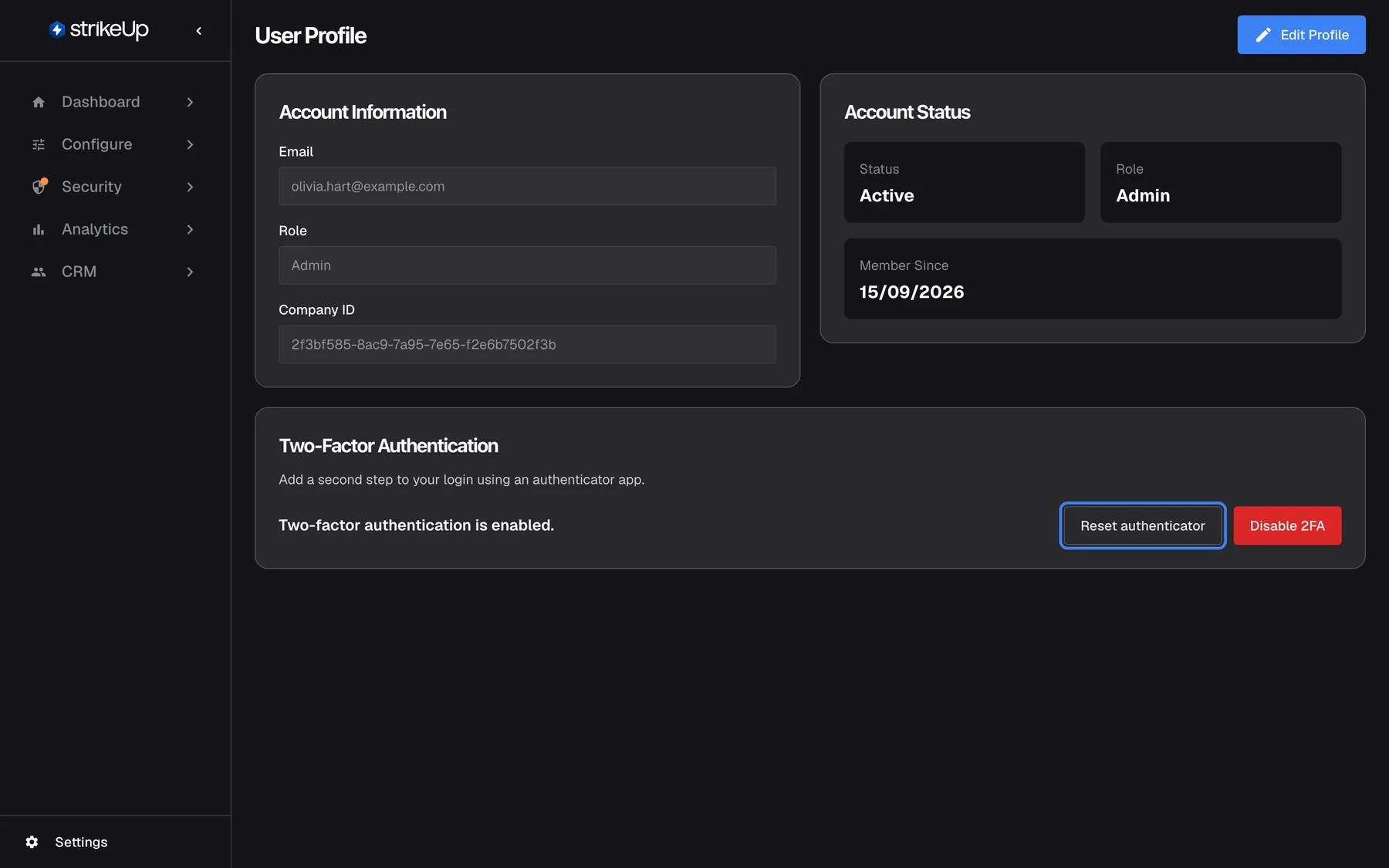
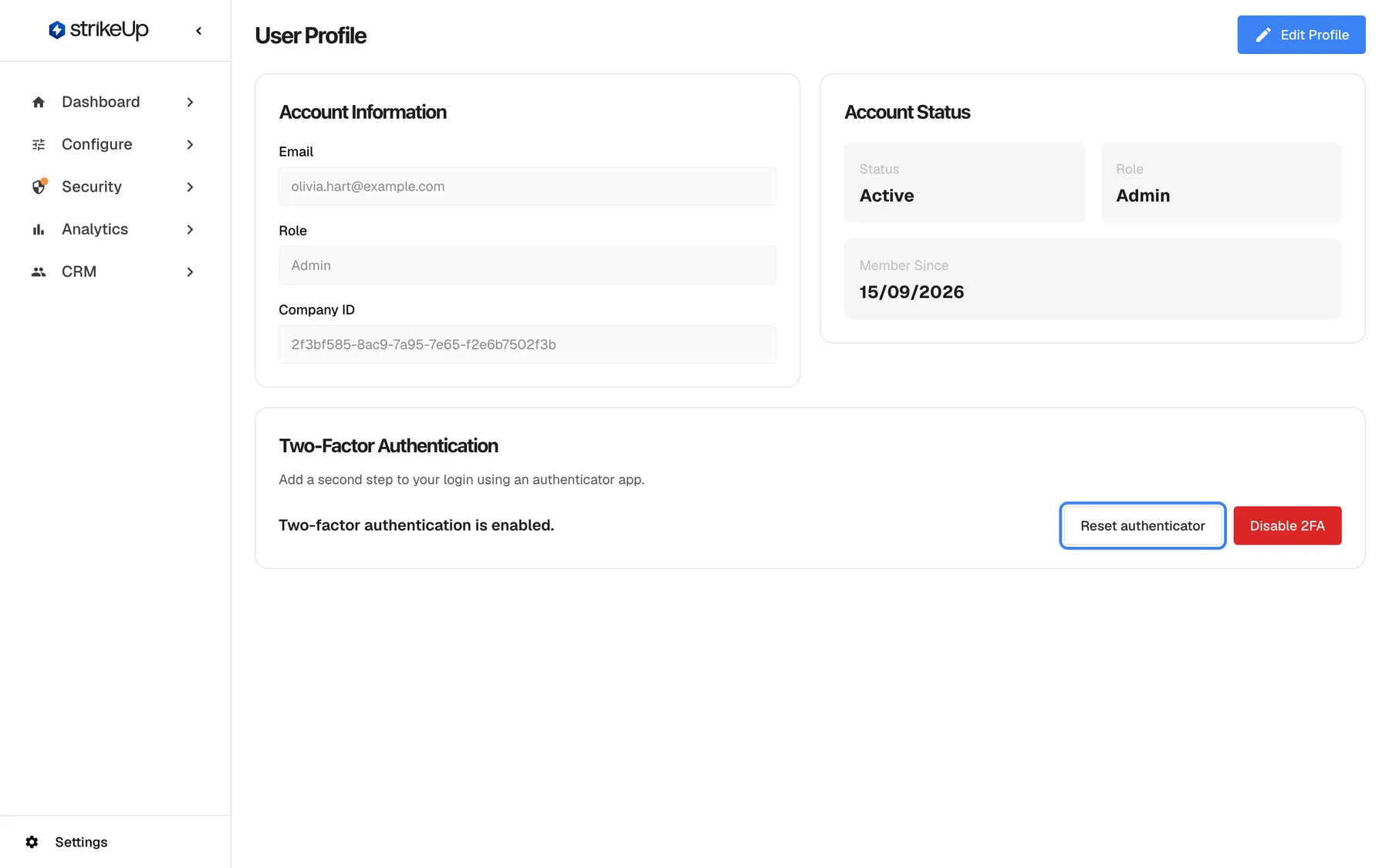
Your StrikeUp workspace decides how your assistant talks to your customers and which of your APIs it calls, so a leaked password is a real risk. Two-factor authentication adds a second step to every sign-in: after the password, StrikeUp asks for a code from an authenticator app on your phone.
What’s new
Section titled “What’s new”- A code only your phone has. After your password, StrikeUp asks for a 6-digit code that changes every 30 seconds, from any standard authenticator app such as Google Authenticator, Authy or 1Password.
- On for yourself in a minute. Scan a QR code from your profile, type the first code and you are protected. Moving to a new phone is one button.
- Mandatory for the whole company. An administrator switches on Require Two-Factor Authentication, and every member, including people who join later, sets it up at their next sign-in.
- Guessing is blocked. After 5 wrong codes, further codes are refused for 15 minutes, and turning the protection off needs a valid current code.
What this screenshot shows
- Screen
- User Profile (/admin/profile)
- Highlighted
- button “Reset authenticator”, two-factor-card-right, enabled. opens the setup dialog to enrol a new authenticator (POST /api/auth/2fa/setup)
- Also visible
- Status: Two-factor authentication is enabled.; Disable 2FA button (red)
- Purpose
- hero of the two-factor authentication release note: 2FA enabled on the profile
Why it matters
Section titled “Why it matters”Passwords get reused, phished and guessed. With a second step, a password on its own no longer opens your workspace, so nobody can quietly change your assistant’s instructions or read what your customers asked.
Get started in three steps
Section titled “Get started in three steps”- Open SettingsProfile and select Enable 2FA.
- Use your authenticator app to scan the QR code, enter the code it shows and confirm.
- As an administrator, open SettingsCompany and switch on Require Two-Factor Authentication to make it mandatory.
The details are in Setting it up in three steps.
Availability
Section titled “Availability”For every StrikeUp company, at no cost. Any role can switch it on for their own account; only an Admin can require it for the company. It protects your team’s accounts in the StrikeUp admin app, not your end customers in the chat. There are no backup codes: if a phone is lost, StrikeUp support resets two-factor authentication for the account.