

Share workflows with a whole customer company, or keep them personal
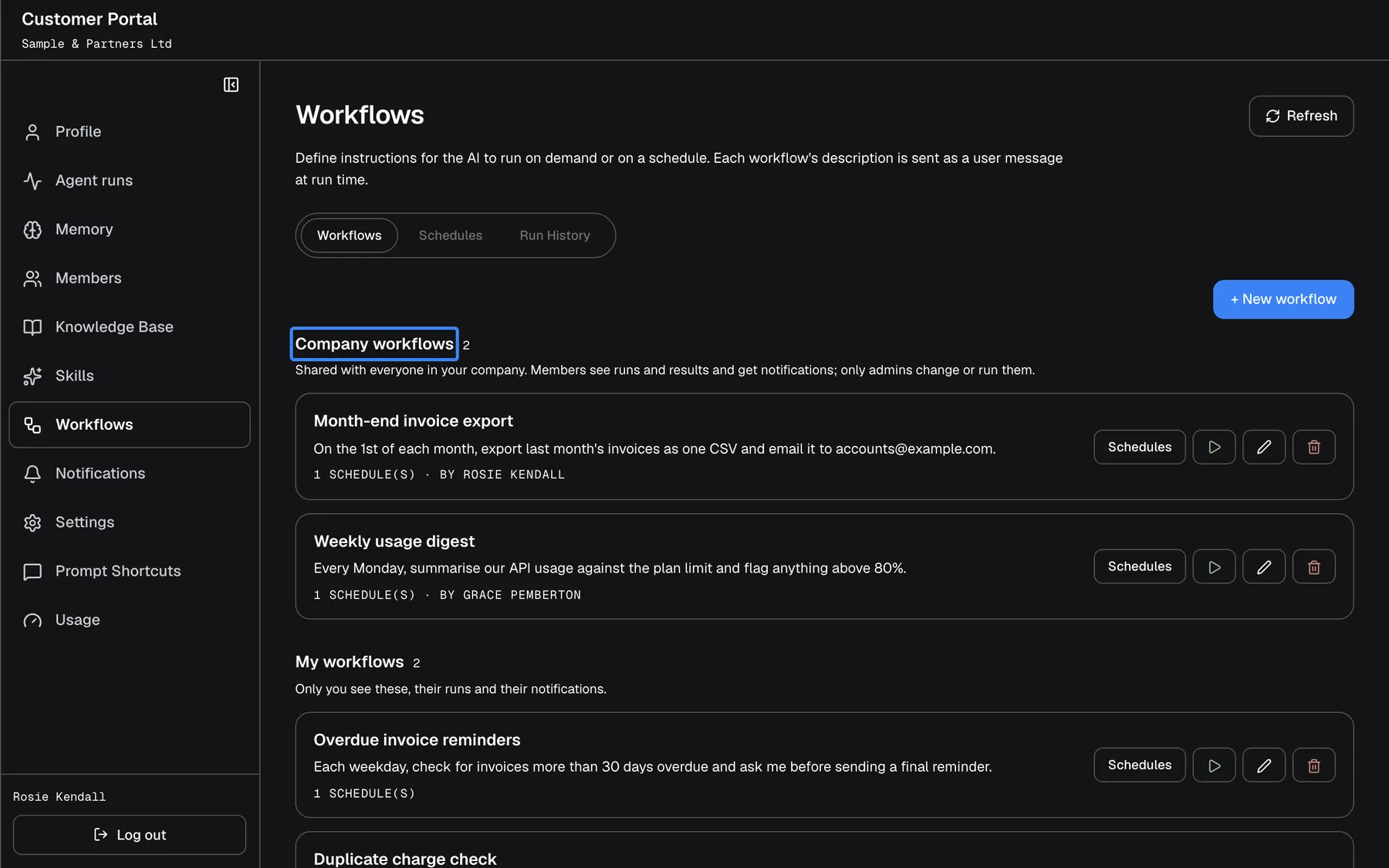
A month-end report that only its author can see leaves the rest of the team guessing. Workflows in the customer portal can now be shared with the whole company, while personal ones stay private.
What’s new
Section titled “What’s new”- Company workflows. A customer’s Admins create workflows that every member sees, with their runs and results, so the whole team knows what the assistant does.
- Everyone stays informed. Approvals, questions and outcomes of a company workflow reach every member on the channels they chose.
- Personal workflows for everyone. Members can now create their own workflows, visible only to them, even hidden from their Admins.
- Clear ownership. Each company workflow shows who created it, and only Admins change or run it.
What this screenshot shows
- Screen
- Workflows (/?mode=portal)
- Highlighted
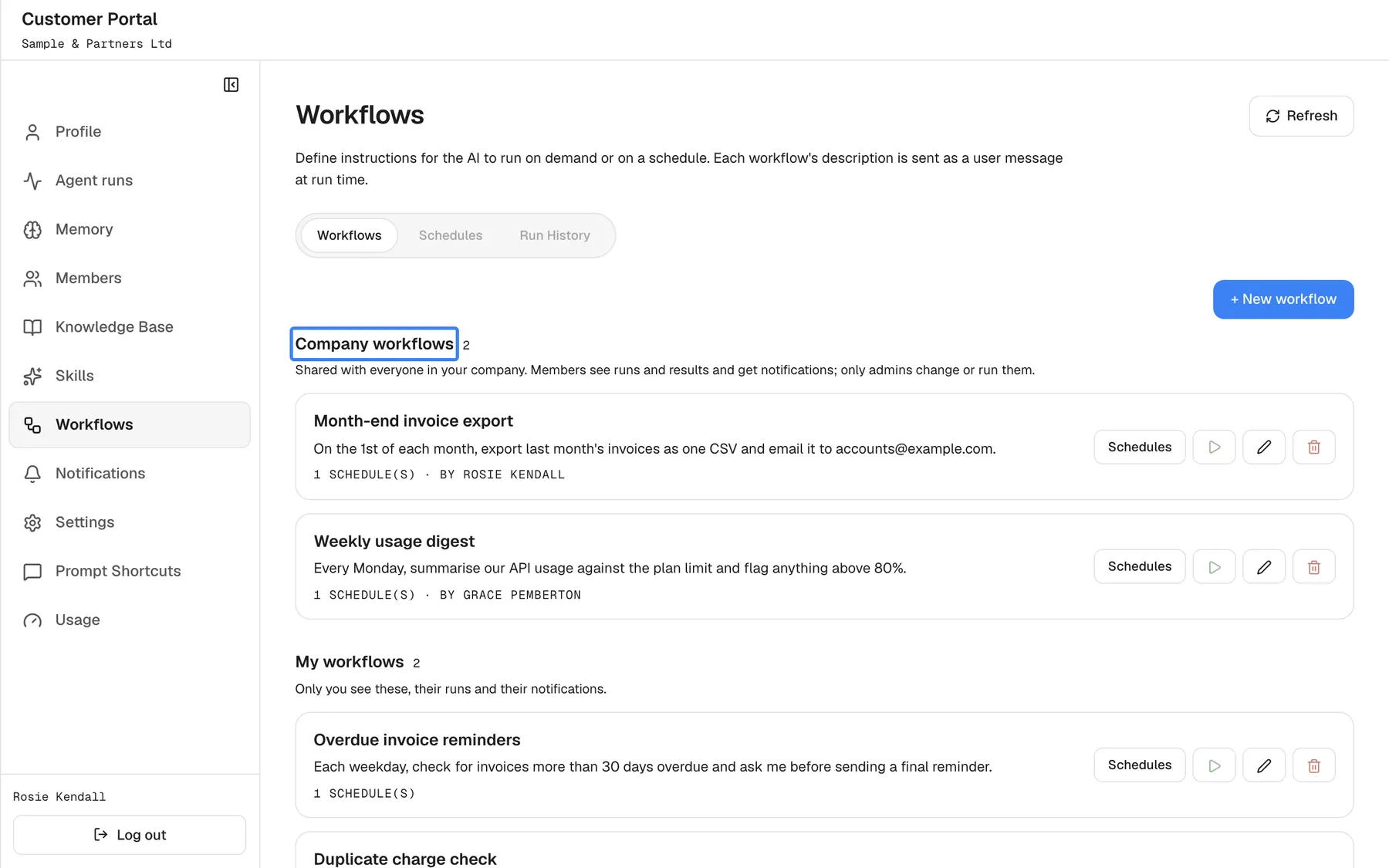
- “Company workflows”, company-section, two company workflows. none (section heading)
- Also visible
- Company workflows with authors; My workflows
- Purpose
- the feature in its best light
Why it matters
Section titled “Why it matters”Shared processes, such as a month-end export or a weekly usage check, no longer depend on one person’s account and attention. Your customers set them up once for the whole team, and everyone sees when one needs attention.
Get started in three steps
Section titled “Get started in three steps”- Make sure the customer portal and its Workflows page are switched on for the widget on ConfigureUser Interface.
- Your customer’s Admin opens Workflows in the portal, selects New workflow and chooses Company or Personal.
- Follow the company’s workflows on its Workflows tab under CRMCompanies.
See how the scopes appear in CRM.
Availability
Section titled “Availability”For every workspace with the customer portal. Company workflows are created and run by a customer company’s Admins; Members see them read-only and create personal workflows. The scope is fixed when a workflow is created.