

Your assistant now remembers what your customers already told it
A customer who said last week that they want short answers, or that their invoices go to the finance team, should not have to say it again today. AI memory lets the assistant keep short, factual notes about each customer and each customer company, and use them as background in later conversations.
What’s new
Section titled “What’s new”- It learns from finished conversations. StrikeUp keeps durable facts such as preferences, a customer’s setup and how an earlier problem was solved, and the assistant reads up to 12 of them at every turn.
- Facts for a whole company. Write account memories, up to 400 characters each, that apply to every customer of a customer company, such as how that company wants to be invoiced.
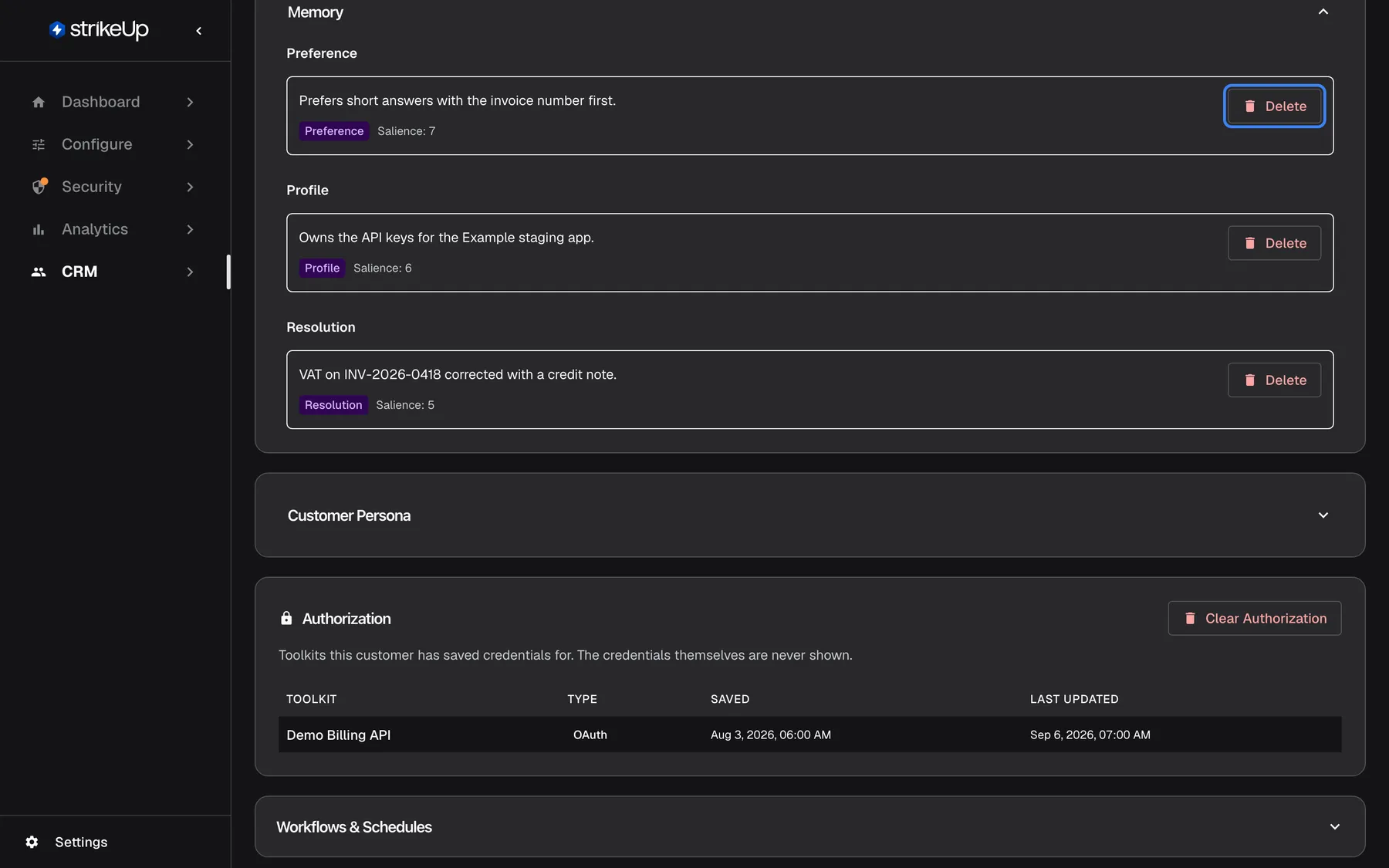
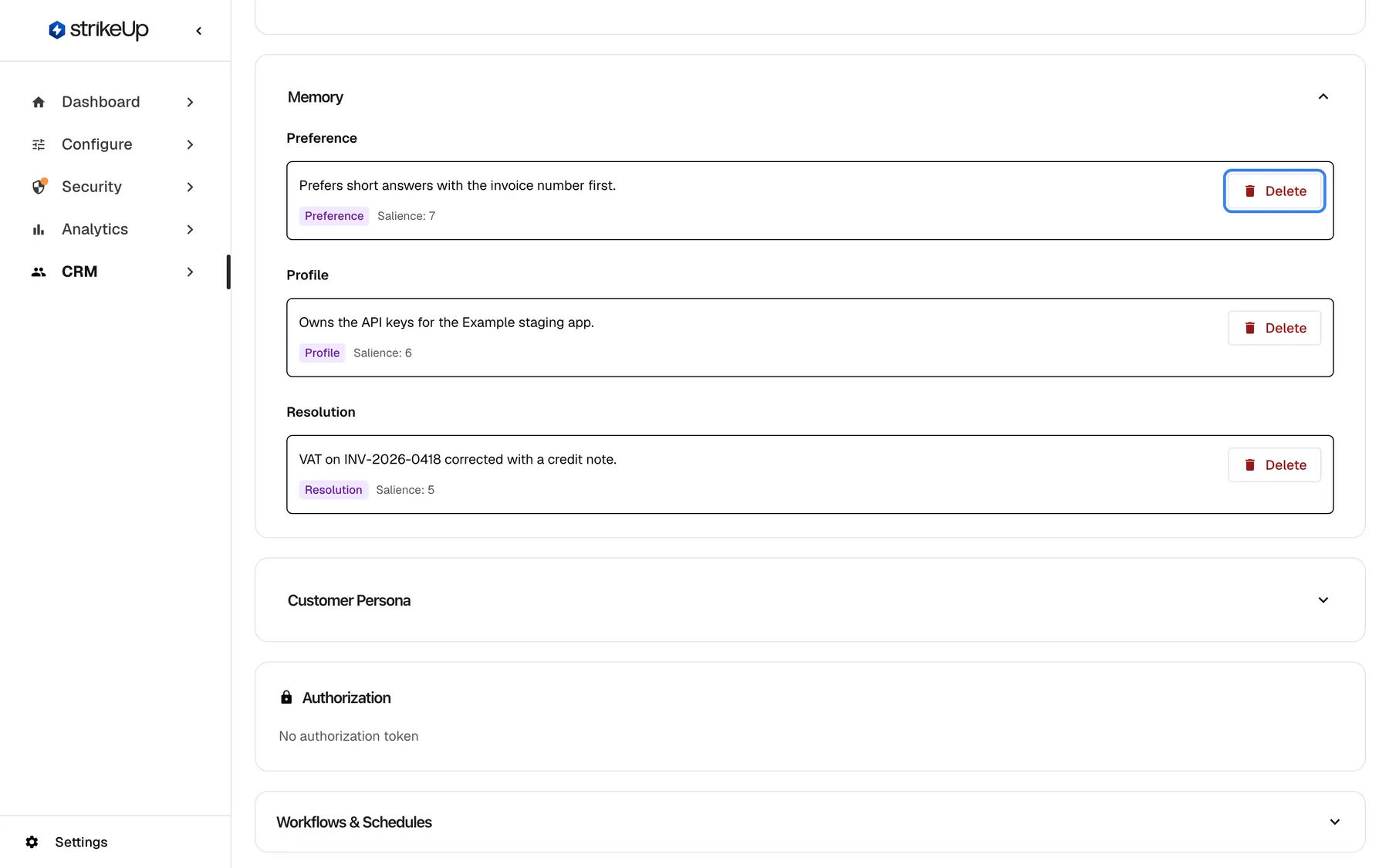
- You stay in control. See what was learned about any customer on their details page and delete a memory with one click, for example on a data request.
- Your customers see it too. In the customer portal, customers read their own memories and their company’s account memories, forget their own and can opt out of memory altogether.
What this screenshot shows
- Screen
- Memory (/admin/customers/:id)
- Highlighted
- button “Delete”, memory-item, enabled. deletes the memory immediately; it is not learned again
- Also visible
- Preference (7), Profile (6), Resolution (5)
- Purpose
- hero of the AI memory release note: a customer's memories
Why it matters
Section titled “Why it matters”Answers that start from what the customer already said are shorter and feel personal. And because every memory is listed and can be deleted, by you or by the customer, the assistant never draws on something nobody can see.
Get started in three steps
Section titled “Get started in three steps”- Open SettingsCompany, select Edit Details and switch on Enable AI memory. Save.
- Add account memories for a customer company under CRMCompanies, on the company’s Overview tab.
- After a few finished conversations, open a customer under CRMCustomers and read what the assistant remembers.
The details are in Setting it up in four steps.
Availability
Section titled “Availability”One switch for your whole company, off by default, where AI memory is available for your workspace. Switching it on, adding account memories and deleting memories need the Admin role. A chat must identify the customer, or their company, for memory to be used. Memory never stores plans, prices, permissions or raw personal data, refuses account memories that claim them, and one customer’s memories are never used for another. Workflows and autonomous agents neither read nor write memory.